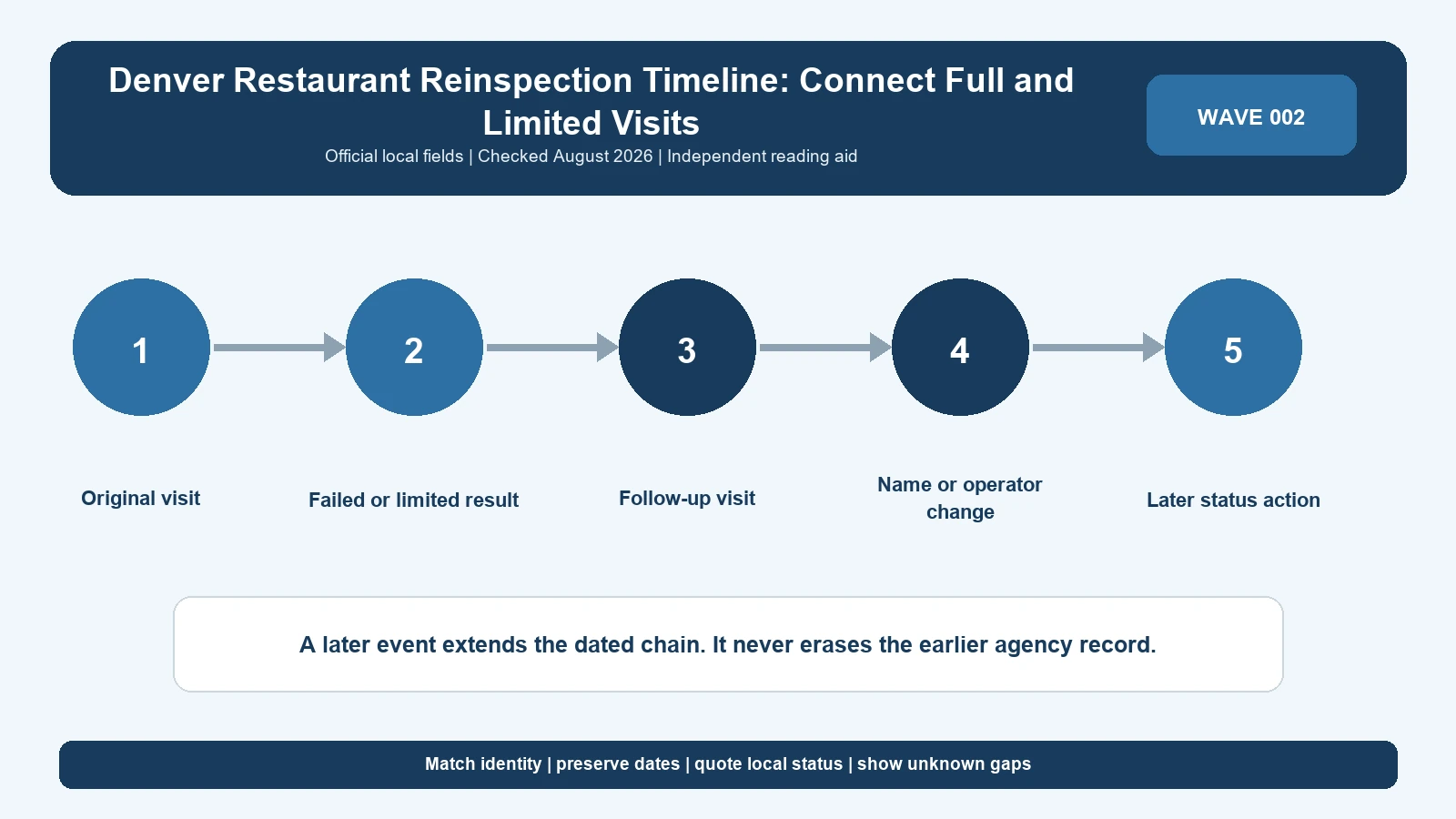
A Denver follow-up chronology must cross the city’s September 6, 2024 portal boundary without confusing a Full inspection with a Limited visit. Start with the original noncompliant item, preserve any onsite correction, and use the later visit’s published scope before saying the problem was verified or cleared.
Last checked: August 7, 2026.
Use the Denver Food Safety Program to route each date. Retrieve older events from Denver restaurant inspection search for records before September 6, 2024 and confirm rule context with Colorado retail food resources. The chronology is your organization of official records; it is not a live Denver determination and must expose any period where one portal returns no matching event.
Build the chain on both sides of the migration date
An original inspection in August 2024 and a follow-up in September 2024 can sit in different systems. Search the legacy database for the first event and Accela’s Business Licenses area for the second. Join them only after name, address, report context, and any available establishment or license identifier form a coherent match.
| Event date | System to inspect | Fields to carry forward | Gap warning |
|---|---|---|---|
| Before September 6, 2024 | Legacy search | Restaurant name, address, date, visit type, legacy finding | Newer follow-up may be in Accela |
| September 6, 2024 onward | Accela Citizen Access | Business license identity, date, inspection event, current finding | Earlier trigger may be legacy |
| Date not known | Food Safety Program page plus both portals | Candidate identity and search log | One empty portal is inconclusive |
| Duplicate-looking event | Compare both official representations | Identifier, date, type, and observation | Do not count twice or delete silently |
Display a visible divider at the system transition. That small design choice warns readers that a missing hyperlink or changed field name may reflect migration rather than inactivity. Store the access date for both portals, even when only one returns a record.
Treat Regular or Full as the baseline and Limited as a scoped event
Denver explains that Regular or Full inspections are unannounced and broad, while Limited inspections may follow noncompliant items or investigate a complaint. A Limited visit is not an abbreviated scorecard to compare against a Full visit. State why the city appears to have made the later visit and which findings it displays.
| Chronology row | Local evidence | What may be said | What may not be said |
|---|---|---|---|
| Regular or Full | Facility, date, type, and complete findings | Denver performed the baseline visit | Every later issue arose here |
| Onsite correction | Correction attached to a named item | That item was addressed during the visit | All findings were resolved |
| Uncorrected finding | Item lacks correction and report indicates follow-up | The selected report left that item for later action | It remained open until today |
| Limited follow-up | Later date, scope, and item outcome | Denver returned for the displayed purpose | The entire facility received another Full inspection |
| Complaint Limited visit | Official complaint-related type or description | Denver inspected within that scope | The allegation was proven in full |
Connect findings with fields, not similar words
For legacy records, keep Type 1 and Type 2 classifications. For later records, retain the current labels supplied by Accela and Colorado rules. A finding crosses the portal boundary only when the cited requirement, observed condition, and facility context support the match. Similar words such as temperature or storage are not enough.
Create an item identifier in your ledger from the source rule reference and report identifier, not an editorial summary. When one system lacks the same field, document the weaker connection and leave the outcome uncertain. This is preferable to announcing that an issue passed because it does not reappear verbatim.
Separate correction, reinspection, and enforcement
Correction says a particular condition changed. Reinspection means Denver conducted another visit. Enforcement means the agency took a distinct legal or operational action. These can occur in sequence, but a noncompliant item does not prove closure and a Limited visit does not prove a suspended license was restored.
| Event class | Required source | Date to record | Safe wording |
|---|---|---|---|
| Corrected onsite | Inspection report notation | Original visit date | Item recorded corrected during the visit |
| Later correction | Subsequent official item status | Date Denver recorded it | Selected condition recorded corrected later |
| Limited inspection | Official visit record | Actual visit date | Denver performed a scoped later inspection |
| Closure or suspension | Explicit agency action | Effective date | Agency imposed the named action |
| Reopening or reinstatement | Explicit later clearance | Restoration date | Agency restored the named authority |
The closure and permit-suspension guide explains the evidence difference between a finding and an operational action. Use Denver’s own record for the final claim. A news article or restaurant post can alert you to an event but should not replace the agency documentation.
Respect Denver's risk-based inspection intervals
The Food Safety Program describes inspection frequencies that vary with facility complexity and risk, broadly from six months to two years. Full-service restaurants may be visited more often than limited-menu operations. Do not create a missed-inspection event merely because a calendar year has no routine row. First establish the operation type, expected interval, portal coverage, and retention.
A long space between public reports can also span the portal change. Label it ‘no matching public event located’ and show which systems and inputs were checked. That phrasing preserves the research result without accusing the city or operator of inaction.
Use a Denver event ledger that survives portal changes
A robust asset places one event per row and one finding per child row. Keep the verbatim city fields alongside a normalized research note. Never edit the verbatim fields when terminology changes; add a new version and document the rule source used for interpretation.
| Ledger field | Example of stored information | Reason |
|---|---|---|
| Source system | Legacy search or Accela | Locates the authoritative representation |
| Identity | Name, full address, identifier or license | Supports the facility join |
| Visit | Date and Full, Regular, Limited, or other label | Defines scope |
| Finding | Type, rule, observation, and correction | Preserves the agency evidence |
| Relationship | Trigger, follow-up, complaint, or uncertain | Explains why rows are linked |
| Operational action | Exact term and effective date, if any | Prevents inferred closures |
| Retrieval | URL, search input, and access time | Exposes publication and migration gaps |
Version the ledger by appending events. If Accela later displays an older migrated report, compare it with the saved legacy version and record whether the fields match. Do not overwrite the older citation because the differences may be important to someone auditing the chronology.
Investigate an apparent missing follow-up
- Check whether the trigger and expected follow-up fall on different sides of September 6, 2024.
- Search the exact address and former business names.
- Confirm that a Limited inspection is not displayed under a business-license subrecord.
- Review the original report for onsite correction before expecting another visit.
- Record both negative searches and their dates.
- Ask Denver when the gap changes a closure or compliance conclusion.
Use the Denver restaurant inspection search guide for retrieval details. Once both reports are located, the reinspection follow-up guide can help label the sequence, but Denver’s visit types and source systems stay authoritative.
State the endpoint as a dated event, not a current verdict
The last public row may be a Limited follow-up, a later Full inspection, or no visible event. Say exactly which one. ‘The latest Denver record located was a Limited inspection on date X’ is verifiable. ‘The restaurant is now safe’ or ‘the case is permanently closed’ requires evidence the inspection history does not provide.
If an operational action appears, require a separate restoration record before announcing reopening. A restaurant’s website, reservation availability, or delivery listing may be current commercial evidence, but it is not Denver’s licensing or public-health decision.
Questions about Denver follow-up
Can a Limited inspection be compared with a Full result?
Only as two different events. A Limited visit may focus on selected items or a complaint and should not be presented as another full evaluation.
What if the trigger is legacy and the follow-up is in Accela?
Preserve both URLs, show the portal boundary, and join the records using facility identity and item evidence.
Does no repeated violation text prove correction?
No. The later visit may have a narrower scope or different wording. Look for an explicit item outcome or ask the agency.
Stress-test the Denver follow-up join
A Denver timeline can cross from a legacy Type 1 or Type 2 report into a current Accela event with different field names. Require facility identity, date order, rule context, and a plausible visit relationship before making that join. A Limited inspection may address selected noncompliant items or a complaint, so the absence of another finding does not prove that it was reviewed and cleared.
- Place a visible divider at September 6, 2024.
- Preserve the Full or Regular baseline before adding Limited events.
- Connect findings through rule and observation evidence.
- Keep onsite correction distinct from a later visit.
- Do not infer closure from a violation classification.
- Require explicit Denver clearance before stating reopening or reinstatement.
Review the endpoint using Denver’s snapshot caveat. A newer favorable event can document what the city recorded then, but it does not erase the original finding or guarantee present conditions. If the only later event is a Limited complaint response, say that. If no later event is visible after checking both portals, report the negative search and its date. This makes the chronology resilient to later migration or publication updates.
Scope: dated Denver inspection records and official portal routing. This independent chronology does not replace Denver’s current licensing, health, or enforcement status.