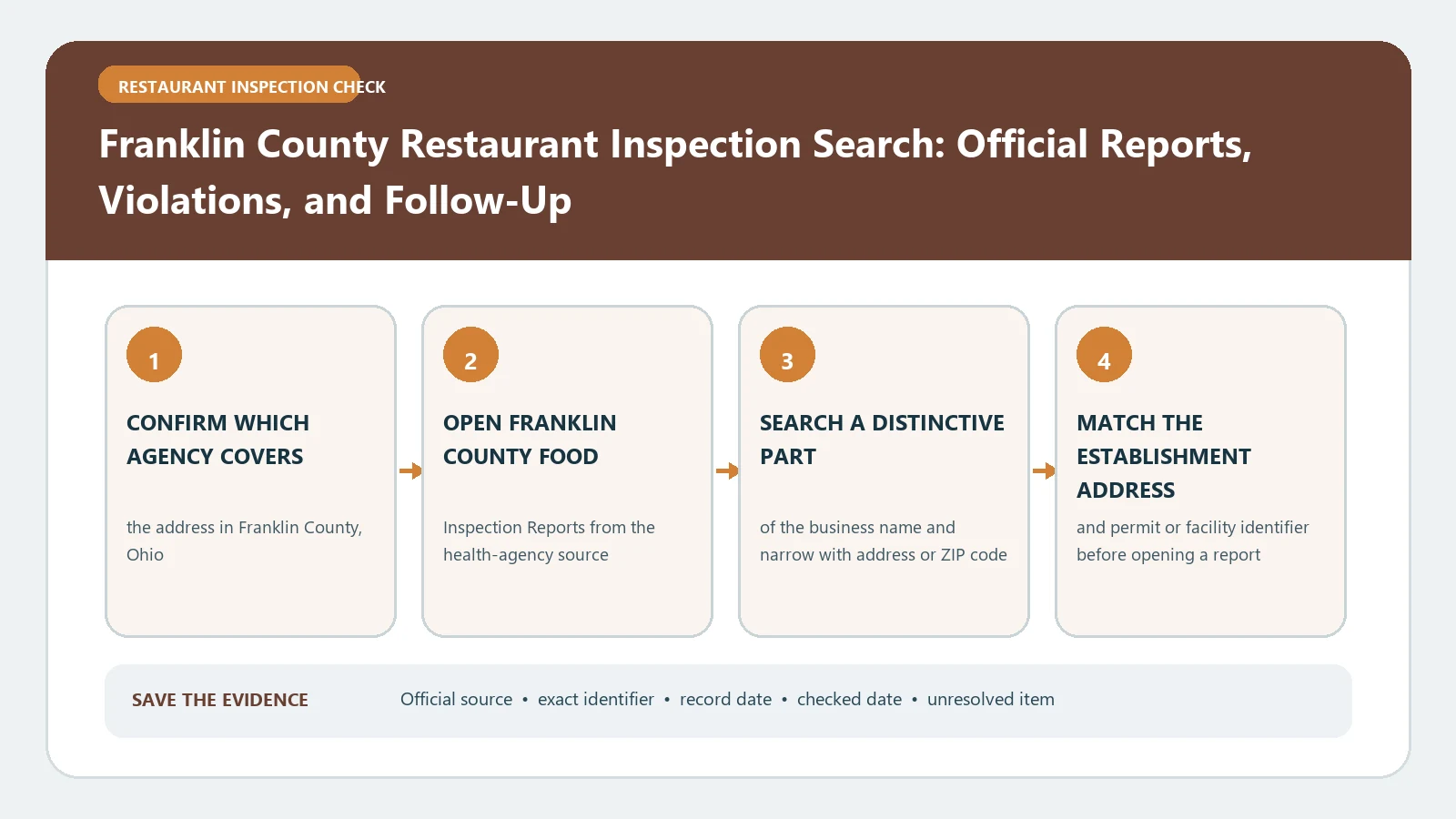
Franklin County restaurant inspections now require a date-based lookup. The Franklin County Public Health report page sends reports before May 9, 2025 to its legacy archive, reports from May 9, 2025 through May 19, 2026 to a records request, and reports created on or after May 19, 2026 to Accela. The county says no Accela account is required just to view reports.
Checked August 26, 2026 against the current routes published by Franklin County Public Health, Ohio Department of Health / Franklin County Public Health Accela, Franklin County Public Health records portal.
Route the report by its creation date
| Report date | Where Franklin County directs you | What to expect |
|---|---|---|
| Before May 9, 2025 | Legacy link on the county report page | Search the older inspection system |
| May 9, 2025 through May 19, 2026 | Franklin County Public Health records request | The county says transition-period reports are request-only |
| May 19, 2026 onward | Ohio Department of Health Accela | Open Environmental Health and search by business name or address |
| No date known | County routing page | Search the current system, then check the older route or request |
Accela's sign-in prompt does not make the reports private
Franklin County’s instructions say you do not need to create an account to view inspection reports. In Accela, select the Environmental Health tab at the top, enter the business name or address, choose the correct premises, and open the report event. Account creation is for other transactions and should not be confused with public report access.
- Start with the full address and a shortened version of the restaurant name.
- Confirm the municipality and street before opening an inspection result.
- Copy the facility or record identifier shown in Accela.
- Open each report from May 19, 2026 onward and save the inspection date and type.
- Return to the county routing page if the expected report falls before the Accela cutoff.
Write a transition-period request that names the missing file
For May 9, 2025 through May 19, 2026, use the official records portal instead of repeatedly searching Accela. Ask for existing food establishment inspection reports for the named facility, address, and date range. Include former names when ownership or branding changed.
| Request element | Example of a useful entry |
|---|---|
| Facility | Legal or trade name plus full street address |
| Date window | May 9, 2025 through May 19, 2026, narrowed further if known |
| Record family | Routine, complaint, follow-up, or other food establishment inspection report |
| Delivery | Electronic copies and any report identifiers or disposition pages |
| Known reference | License, facility, or prior report number |
Inspection type tells you how broad the visit was
The definitions on Franklin County Public Health’s report page distinguish several visits. Read that label before comparing two facilities or saying a later visit cleared an earlier concern.
| County term | What the county says it covers | Reading caution |
|---|---|---|
| Standard Inspection | An unannounced inspection of all areas for compliance | It is still a dated visit, not continuous monitoring |
| Critical Control Point Inspection | A level 4 operation’s control of potentially hazardous foods from arrival to consumption | It has a focused risk-control purpose |
| Process Review Inspection | A level 4 retail operation’s procedures under Ohio rules | Do not substitute it for every other inspection type |
| Complaint Inspection | Investigation prompted by a complaint | The report documents the agency investigation, not the truth of every allegation |
Keep risk level separate from the result of one visit
Franklin County describes food licenses from risk level 1 through 4 based on the operation’s food-handling complexity and risk. A level 4 designation does not mean the facility failed. It helps explain why certain inspection types apply. Read the actual critical and non-critical findings, correction notes, and later report instead of turning the license level into a grade.
Close the loop across the platform change
- Make one chronological list even when reports came from three routes.
- Keep the source system beside every visit so a reviewer can reproduce the search.
- Attach a later report to the earlier finding only when the facility identifier or address matches.
- Mark a missing transition-period document as requested, not as proof that the visit never occurred.
- Recheck the county routing page before future searches because platform instructions can change again.
A Franklin County inspection report shows what a specific type of visit documented at a facility on that date. The risk level, report date, finding, and follow-up each answer a different question.
After collecting the files, use the report-reading guide to organize their sections and the violation interpretation guide to keep criticality, correction, and recurrence separate.
Use a transition-gap request that names the missing window
For an inspection between May 9, 2025 and May 19, 2026, the request should identify the facility and event rather than asking the current Accela search to produce a record it was not designated to hold. Include the restaurant’s current and former names, exact address, approximate inspection month, and the reason you expect a record. Save the request confirmation because it proves which interval and premises were checked.
| Request component | Example of the needed precision |
|---|---|
| Facility | Street address, suite, city, ZIP, and known trade name |
| Missing interval | A defined span inside May 9, 2025–May 19, 2026 |
| Document | Routine inspection, complaint visit, follow-up, closure, or release |
| Known clue | Inspection date quoted elsewhere, permit identifier, or related later report |
| Response trail | Request number, submission date, files received, and unresolved dates |
Do not collapse an access gap into an inspection gap
If Accela shows only newer visits and the legacy database shows only older ones, the missing middle is an access-routing issue until the records response establishes otherwise. Report the three source windows separately. This is especially important when comparing operators across a sale: a silent portal interval cannot be assigned to either operator without a dated official record.