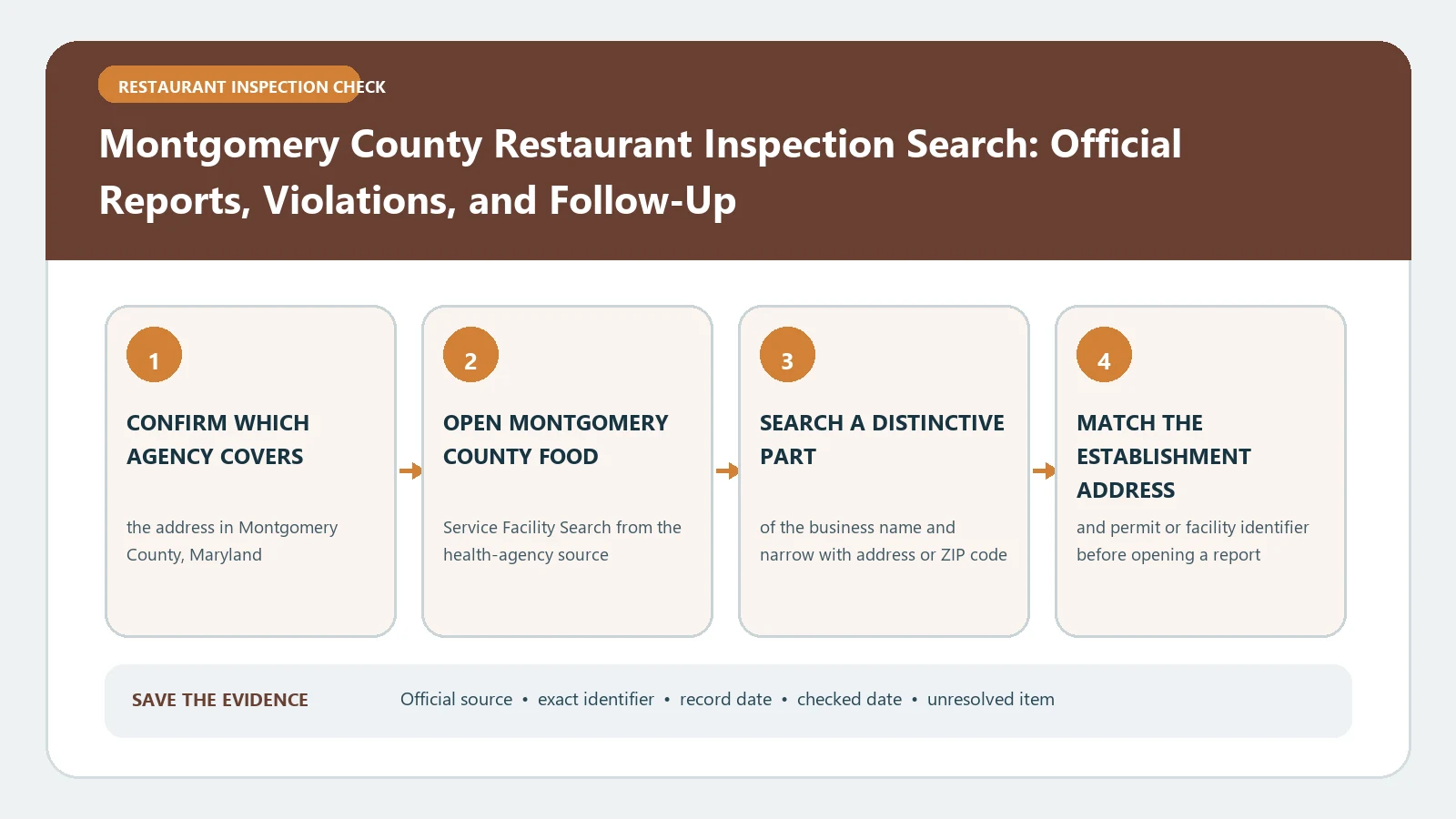
For a Montgomery County, Maryland restaurant, use the county’s current dataset, HHS – Food Inspection Data from July 2024 and onward, verify the facility by address, and group rows from the same visit before judging the result. The older FoodInspection-API feed stops at inspections from October 3, 2024, and the LIVES feed is older still. Treating either as the current search can make a recently inspected restaurant appear to have no record.
Montgomery County’s official restaurant-inspection service page identifies the county program and explains how to obtain inspection information. The county’s HHS – Food Inspection Data from July 2024 and onward dataset (dkrp-gr48, updated daily) is the current downloadable and searchable record source; the earlier FoodInspection-API dataset holds inspections only through October 3, 2024. The Department of Health and Human Services also publishes an official inspection-violation guide for interpreting the fields. Dataset dates checked October 24, 2026.
For what a year of these records shows, including why a Pass can still carry an open rodent item, see our Montgomery County MD restaurant inspection results.
Choose the feed that covers the inspection date
Start by deciding which time period you need. The current dataset (dkrp-gr48) covers inspections from July 2024 onward. A separate legacy dataset may still appear in search results because it contains older records, but its last update does not make it a reliable source for current inspections. Note the dataset name and its displayed update date before searching.
If you are researching a visit from before the current feed begins, consult the historical source as a period-specific archive. If you are checking a restaurant now, search the current dataset first. Do not combine the newest date from one system with violations from the other and present them as one inspection. The transition between systems is a record boundary, not proof of an inspection gap.
For help locating another Maryland authority, use the restaurant inspection search-by-address guide and confirm that the street falls inside Montgomery County before applying this workflow.
Establish the licensed facility identity
Search both the facility name and the street address. Names can be abbreviated, chains have multiple branches, and a market or institutional campus may contain several separately licensed food operations. Compare the street number, unit, city, and ZIP code. Preserve any license or facility identifier shown in the result.
When a current business occupies the address of an older operator, keep the records separate unless the county identifier demonstrates continuity. A similar name is not sufficient. If several results share one address, record each official facility name and determine which licensed operation matches the restaurant you mean.
A blank name search should trigger an address search, alternate spelling, and legal-name check. It should not become a statement that the restaurant passed inspection or operates without a license.
Reassemble rows that belong to one visit
The current dataset can display multiple rows for one inspection because individual violation fields are represented separately. Before counting inspections or comparing outcomes, group records by facility, inspection date, and inspection type. Keep the inspection result with every row in that group.
Build one visit card containing:
- facility name, full address, and available identifier;
- inspection date and inspection type;
- inspection result exactly as published;
- every listed violation and its critical indicator;
- correction information visible in the same record;
- the next monitoring, follow-up, or comprehensive visit;
- source URL and lookup date.
Without this grouping, ten violation rows can be mistaken for ten inspections. The reverse error is also possible: collapsing records by restaurant name alone can blend separate dates and conceal whether a later visit addressed an earlier finding. The inspection report field guide offers a neutral worksheet, but Montgomery County’s labels remain controlling.
Separate comprehensive and monitoring activity
Read the inspection type before comparing one visit with another. A comprehensive inspection examines the facility under the county’s applicable inspection process. A monitoring or follow-up visit can focus on conditions that required another check. These events are connected, but they do not answer the same question.
Sort the facility’s visits from oldest to newest. Begin with the comprehensive or complaint-related event that introduced the finding, then attach later monitoring activity to it by date and subject. Do not describe a narrow monitoring visit as if it replaced every conclusion in the earlier comprehensive inspection. Likewise, do not leave an earlier violation standing as unresolved when a later county record documents its correction.
If the dataset presents two visits on the same day, keep their inspection types and results separate until the county record shows they are duplicates. A downloadable table is evidence, but row layout alone does not define the event.
Treat the critical marker as a correction signal
Montgomery County’s guide identifies violations marked with `(C)` as critical and explains that critical violations require immediate correction. Preserve that marker with the exact violation text. Do not translate every critical item into a closure, foodborne-illness finding, or permanent unsafe status. A critical designation describes the county’s classification and correction requirement for the observed condition.
Read the result and the cited item together. Then search forward for the next record tied to the same facility. The county notes that a restaurant closed for a critical violation may correct the problem and reopen before a reinspection appears in the public dataset. That timing means an older closure result cannot establish today’s operating status by itself, while an online gap cannot establish that reopening occurred.
Use the reinspection follow-up check to record the initiating visit, immediate correction, later monitoring record, and any unresolved interval. For a time-sensitive closure question, contact the county instead of estimating status from publication lag.
Reconcile conflicts without erasing either source
If the legacy feed and current dataset show different last dates, first ask whether each source covers the same period. Save the dataset title, visible update date, query terms, and exported rows. Give priority to the current county feed for July 2024-and-later activity, while identifying the old record as historical rather than wrong.
When the current data has a facility but no expected visit, check address variants and filters. When the 311 explanation and dataset layout appear inconsistent, use the Department of Health and Human Services contact route listed by the county. Provide the exact facility, address, dates, and record identifiers. A targeted question about one missing inspection is more likely to produce a useful answer than a request for every restaurant record.
Complaint activity also needs its own label. An inspection following a complaint does not prove that every allegation was substantiated, and the absence of a complaint row does not prove no complaint was filed. Report only the inspection type and official findings the county publishes.
Preserve a Montgomery County evidence bundle
Keep the matched facility identity, grouped visit cards, comprehensive-versus-monitoring labels, critical markers, results, later records, dataset name, query or export link, and retrieval date. If the question concerns a specific violation, preserve the county’s wording rather than substituting a private severity label.
The defensible conclusion is limited: the county dataset showed specified inspection events and findings for the matched licensed facility when checked. It does not certify current conditions, guarantee that the dataset has no publication delay, or replace an official answer about an urgent closure, illness, or complaint.