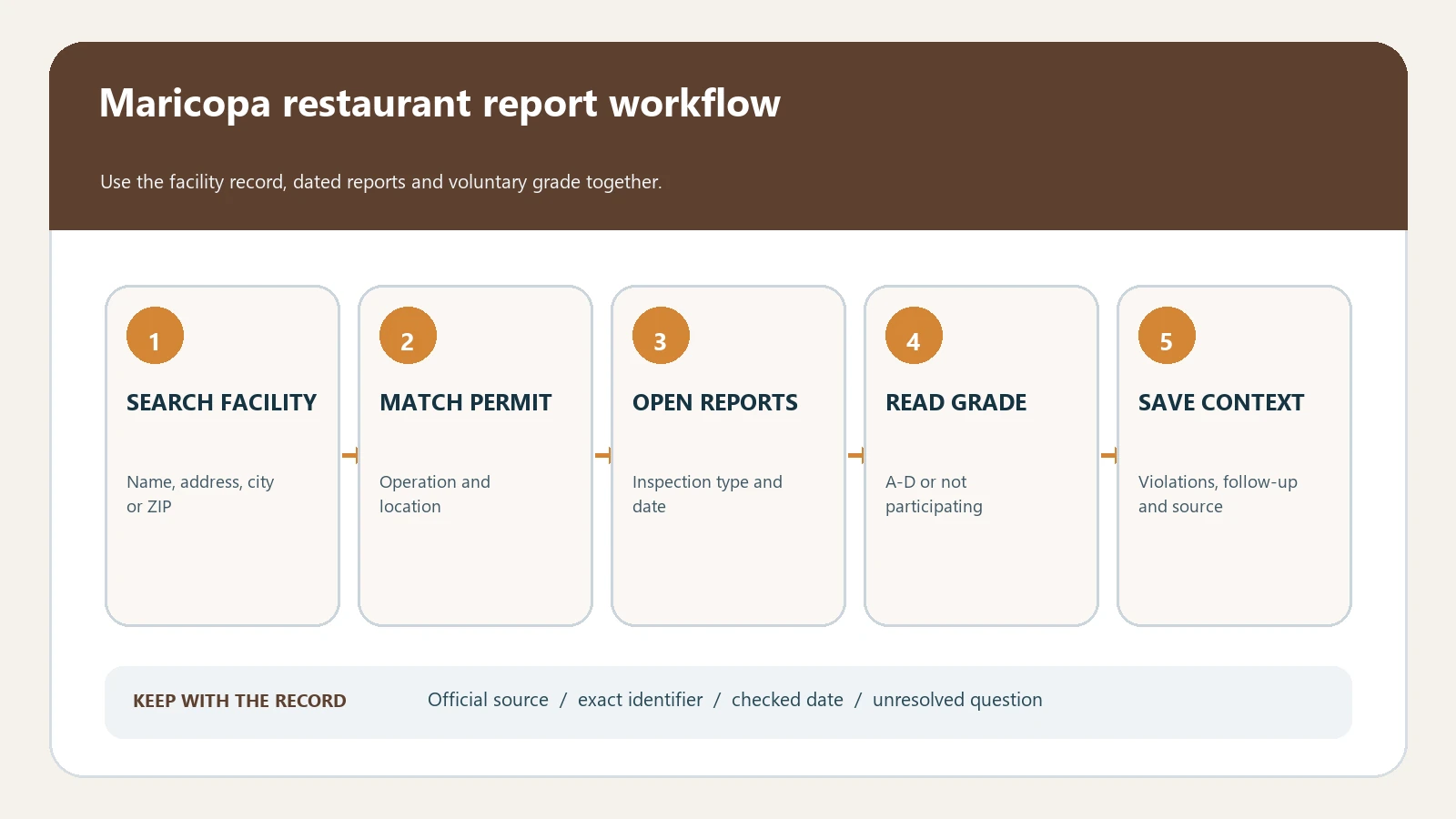
Phoenix restaurant inspection reports are searched through the Maricopa County Restaurant Ratings Tool. Match the exact Phoenix address and permit before opening a report. Maricopa’s A-D grade-card program is voluntary for each inspection: NP means Not Participating, not that the establishment failed or escaped inspection. The tool states that reports remain available online for three years after the inspection date.
Checked August 26, 2026 against the current routes published by Maricopa County Environmental Services Department, Maricopa County Environmental Services Department, Maricopa County Environmental Services Department, Maricopa County.
Find the permit that owns the inspection history
Use the restaurant name as a starting hint, then anchor the result to the County permit. Similar names, food counters inside larger buildings, and multiple Phoenix branches can produce several candidates. Preserve the permit number and address before comparing grades because each inspection event belongs to that facility record.
| Search field | How to use it | Mismatch signal |
|---|---|---|
| Business name | Try the public name and a shorter legal name | The returned street address differs |
| Address | Search street number and road name before adding suite | A nearby branch appears instead |
| Permit number | Use the County identifier to reopen the same facility | Reports sit under another permit |
| Inspection date | Select the event that answers the question | The visible grade belongs to another visit |
Read the facility page and inspection report as two levels
- Confirm the facility name, physical address, permit number, and permit type.
- Open the chosen inspection and record its date, purpose, and displayed status.
- Keep the grade or NP label attached to that inspection only.
- Read every Priority, Priority Foundation, and Core observation in the report.
- Locate the next reinspection, legal-action entry, or later routine visit for the same permit.
NP and A-D answer a participation-and-matrix question
The County’s current grade-card guidance says participation is decided before each inspection. A participating establishment receives an A, B, C, or D under the displayed matrix; a nonparticipating establishment shows NP even though the inspection still occurs. The matrix uses Priority and Priority Foundation counts, and the guidance says legal action for a pattern of noncompliance or permit suspension produces a D.
| Displayed label | What the County record supports | Interpretation boundary |
|---|---|---|
| A, B, C, or D | Participation and the matrix result for the named event | Not a permanent grade or proof of today’s conditions |
| NP / Not Participating | No grade-card participation for that inspection | Not a failure, closure, or absence of inspection |
| Priority | County classification directly related to foodborne-illness risk | Not proof that an illness occurred |
| Priority Foundation | A control needed to support Priority-item management | Not interchangeable with a Priority item |
| Core | A general sanitation, maintenance, or operational requirement | Not a reason to discard the observation |
Build a grade-provenance card before making a comparison
A grade comparison is reproducible only when its inputs and event are visible. Copy the values below from the report rather than recalculating from a search snippet. If the grade and your reading of the live matrix disagree, retain the official label and ask the County instead of publishing a replacement grade.
| Provenance field | Value to retain |
|---|---|
| Facility anchor | Permit number, licensed name, exact address |
| Inspection anchor | Report identifier, date, and purpose |
| Participation | A-D participant or NP exactly as displayed |
| Matrix inputs | Priority and Priority Foundation counts from that report |
| Other findings | Core items and full inspector observations |
| Regulatory action | Legal action, suspension, or other status actually shown |
| Later evidence | Reinspection or newest event for the same permit |
| Retrieved | August 26, 2026 |
The three-year online window is not lifetime history
Maricopa’s ratings tool says reports are available for three years after the inspection date. When the needed visit is older or a known report is missing, use the County public-records route and choose Environmental Services or the food-permit subject. Supply the permit, address, date range, and document type. Describe an empty portal result as an access gap until the County response establishes more.
Follow a finding into the next County event
The grade summarizes specified inputs, while the report supplies the observation and any immediate correction. Create one row per cited condition and place the next relevant inspection beside it. A reinspection may be narrower than a routine inspection, so compare its purpose before saying every condition was reviewed or resolved.
| First-event field | Later-event check | Safe statement |
|---|---|---|
| Observation and category | Same code or condition appears again | Recurrence documented on the two named dates |
| Corrected during visit | Condition appears or does not appear later | Immediate correction plus the later record; no permanence claim |
| Legal action or suspension | Current permit or later County event | Historical action and the separately verified later status |
| No later report in tool | Three-year horizon and records request | Follow-up not located through the stated search |
Recover a Phoenix result that will not match
- Retry the exact street address and remove delivery-app wording from the business name.
- Search a former name when the operator or brand changed during the three-year window.
- Separate co-located permits instead of joining every report at the same shopping center.
- Return to the Food and Restaurants program page if the ratings link changes or a complaint route is needed.
- Use the County records path for an older report or formal copy rather than substituting a private rating site.
A Maricopa County grade or NP label belongs to one identified inspection. The report, permit, later event, and three-year access boundary determine what can be stated about that record.
The displayed label does not prove current safety, the cause of an illness, or the present permit status. Verify those separate questions through the newest relevant County record or reporting route.
Use the inspection report guide to capture the event fields. Continue with the reinspection follow-up check or the permit-suspension check when the County report shows later action.
Maricopa County records don’t cover Kingman, Bullhead City or Lake Havasu City. For those, our Mohave County food inspection ratings guide explains that county’s monthly rating files.
Maricopa County restaurants also have to keep a file of each worker’s food handler training on site. The 30-day deadline, the three-year validity and the cards the county accepts are in our Arizona food handler card guide.