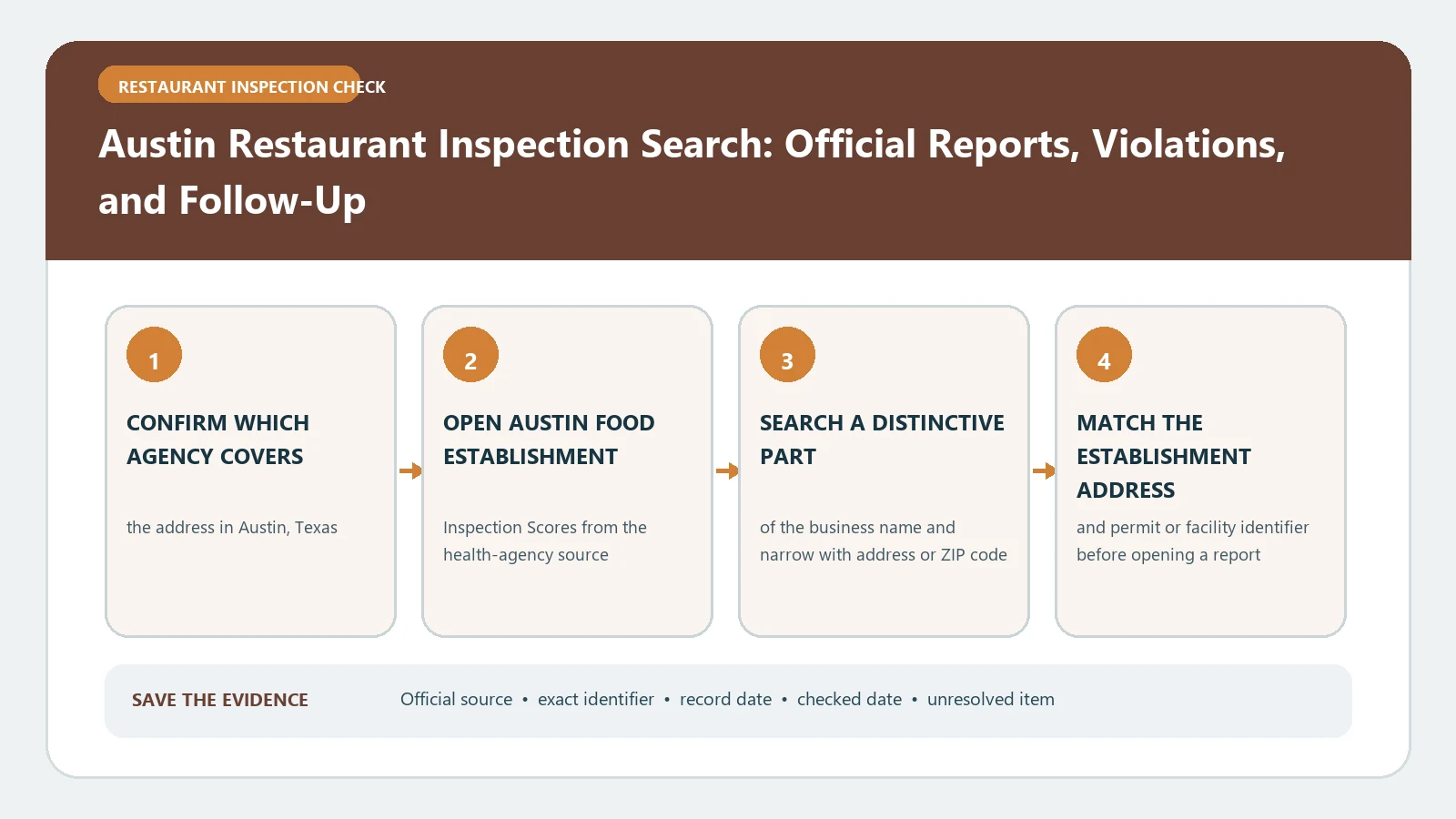
Austin’s official inspection dataset is most useful when you search by both restaurant name and address, preserve the Facility ID, and compare every score for that same facility over time. The dataset is a three-year score history, not a complete lifetime record and not a live guarantee of conditions at the restaurant.
Austin Public Health publishes the Food Establishment Inspection Scores dataset and an accompanying dataset information page. The official metadata says the data covers inspections performed within the last three years, identifies Austin Public Health Environmental Health officers as the inspectors, and states that the dataset is updated every two weeks. Both sources were checked August 26, 2026.
For the report itself, Austin Public Health now runs Check Inspection Reports, where you can search an establishment or browse inspections by date range and purpose (routine, follow-up or compliance). Austin Public Health portal checked October 24, 2026.
Let the Facility ID anchor the Austin history
Search the Restaurant Name first, but use the Address, ZIP Code, and Facility ID to decide whether a row belongs to the premises you need. A chain may have many Austin-area locations. A campus, airport, hotel, or grocery property can have separately inspected food operations.
Once the correct row is found, copy its Facility ID and use it to gather the other visible inspections for that operation. Do not join two facilities because their names are similar. When the Facility ID changes after a move or ownership change, keep the histories separate unless Austin’s records explicitly connect them.
The Austin result-field guide can help organize the row, but the City of Austin dataset remains the evidence source.
Read all seven published fields together
The dataset exposes Restaurant Name, ZIP Code, Inspection Date, Score, Address, Facility ID, and Process Description. Preserve those labels and values as published. Process Description distinguishes a Routine Inspection from a Follow-Up Inspection, so a later row is not automatically another routine visit.
Build one line per inspection:
- Match Restaurant Name, Address, ZIP Code, and Facility ID.
- Record the Inspection Date and Process Description.
- Copy the Score without converting it into a letter grade.
- Sort all rows for that Facility ID by date.
- Add your access date and the dataset URL.
This sequence is more reliable than sorting a chain name by score, which can mix locations and inspection types.
Treat the three-year window as a real boundary
The dataset description limits the public table to inspections within the last three years. If a restaurant has operated longer, the oldest visible row is not necessarily its first inspection. State the date range actually retrieved instead of calling it the complete history.
The two-week update schedule also means a very recent inspection may not appear immediately. When a report is expected but missing, note the inspection date you were told, the date you checked, and the next scheduled data refresh. A blank or stale row should remain an unresolved publication-timing question.
Keep the download date separate from the Inspection Date. If you export the table, name the file with the Facility ID and retrieval date, then retain the live dataset link. The city’s rows can be refreshed after the export, so a later reviewer needs to know whether a difference is a corrected value, a newly published visit, or simply a second file created on another day. Never overwrite the earlier extract when the change itself matters.
Also record the row count returned for the selected Facility ID. A changed count at the next check is a prompt to compare dates, not evidence that the prior export was wrong.
For a transaction or dispute requiring an older or fuller file, ask Austin Public Health about the appropriate records route. Do not fill the gap with an undated review-site grade.
A score is not the violation narrative
The public dataset is designed around scores and basic inspection identity. It does not, by itself, reproduce every cited observation, inspector note, correction, or enforcement document that may exist for a visit. Use the score to identify the dated inspection, then obtain the detailed report when the reason for the score matters.
Keep any report findings attached to the same Facility ID and Inspection Date. Do not infer a particular violation from the number alone. The food-inspection violation guide can help structure a detailed report after it has been obtained from the responsible authority.
Likewise, a Follow-Up Inspection row shows that a later visit was recorded. Its score does not erase the routine inspection that preceded it. Preserve both rows and explain the sequence.
Compare change without inventing a trend
Three or more dated scores can show how the published results changed, but they do not establish why. Make a simple timeline with Inspection Date, Process Description, and Score. If a follow-up appears, place it immediately after the related routine visit when the dates support that relationship.
Avoid averaging scores across different Facility IDs or presenting the average as an official measure. Austin publishes inspection-level scores, not a permanent consumer rating. Conditions can change between visits, and the public table can be refreshed after your download.
Recover an ambiguous or empty search
When the full name fails, remove punctuation and brand suffixes, search a distinctive word, and then filter by ZIP Code or Address. Try the Facility ID from an older report if one is available. For a food counter inside another business, search the operator name and the host property separately.
If several rows share an address, inspect each Restaurant Name and Facility ID. Do not assume they are duplicates. If the intended address falls outside Austin Public Health’s coverage, use the city inspection directory to identify the correct local authority.
Save an Austin evidence table another person can repeat
The final table should list the matched restaurant name, address, ZIP Code, Facility ID, every included Inspection Date, Process Description, Score, source URL, and retrieval date. Note the earliest and latest dates visible and state that the dataset covers the last three years.
This table proves only what Austin published for those dated inspections. It does not prove current safety, a complete lifetime history, or the absence of violations not shown in the score dataset. Reopen the official table before a time-sensitive decision and request the underlying report when the score alone cannot answer the question.