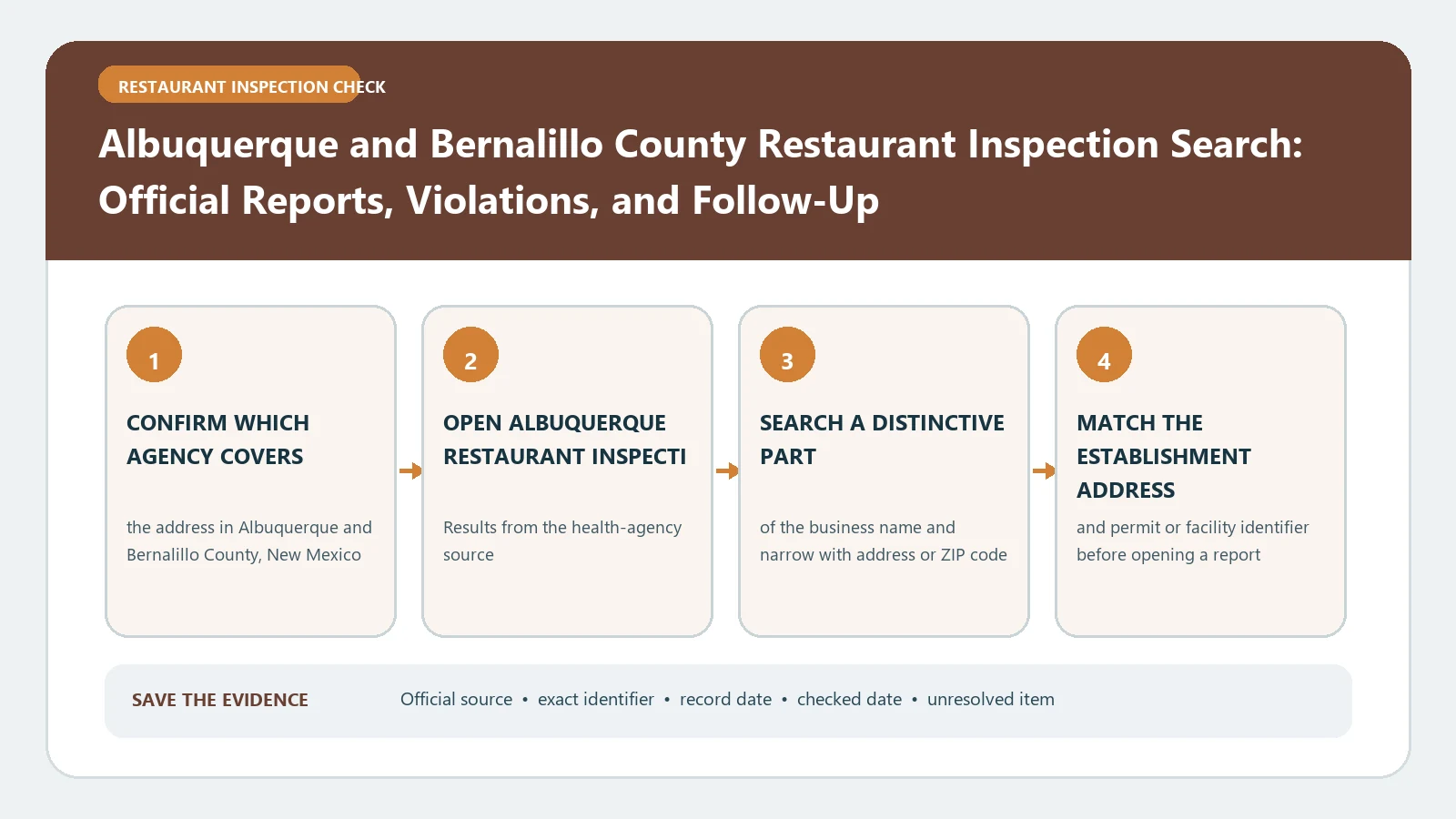
An Albuquerque address and an unincorporated Bernalillo County address do not use one interchangeable restaurant-inspection search. First confirm which jurisdiction contains the premises. Use the City of Albuquerque inspection-results route for locations inside the city; use Bernalillo County’s portal and health-record route for county jurisdiction.
The City of Albuquerque’s restaurant inspection results page links recent reports, explains the inspection program, and sends current or historical record requests to the City Clerk. The city’s ABQ Data catalog identifies Food Inspections and a separate LIVES-format dataset. For unincorporated county premises, the Bernalillo County Citizen Access portal provides Health search applications and records. These official routes were checked August 26, 2026.
Draw the city boundary before searching
Write down the complete street address and determine whether it is inside Albuquerque city limits. A mailing address that says Albuquerque can still fall under county jurisdiction. The City of Albuquerque itself directs people outside city limits to Bernalillo County for food-establishment concerns, so a familiar city name in the postal line is not enough.
If the premises is within the city, begin with the city results page. If it is in unincorporated Bernalillo County, open the county portal, choose the Health search rather than a building or zoning module, and search the county record. Do not copy a status from one system into the other.
Record the jurisdiction decision before continuing:
- Save the complete physical address rather than the mailing city alone.
- Identify whether the parcel is inside Albuquerque or unincorporated Bernalillo County.
- Name the official system selected and the date it was checked.
- Keep an unresolved boundary note when the authority cannot yet be confirmed.
Prepare an identity packet for either system
Before opening a result, collect the business name, physical address, ZIP code, and any permit or facility number visible on a posted report. Add the former name if the establishment recently changed ownership. This packet is more reliable than a brand name alone.
The city inspection form includes fields for establishment name, physical address, inspection date, facility ID, permit number, inspection type, permit expiration, and whether follow-up is required. Preserve those fields exactly when they appear. County records can use different labels, so do not rename a county outcome to match the city vocabulary.
For help keeping the identity and visit fields separate, consult the restaurant health inspection report guide after you have opened the correct official system.
Read an Albuquerque inspection as a dated snapshot
The city describes a routine inspection as a snapshot of food-safety operations on the day of the visit. Critical and non-critical violations are recorded on the form. Most critical violations may be corrected during the inspection, while some require additional time for compliance. This makes the correction field and later action as important as the violation label.
Capture the inspection date, type, result, score if shown, operational status, and follow-up requirement. When a weekly report lists several visits for the same establishment, arrange them chronologically. Connect a corrective-action record to the earlier inspection it identifies; do not assume the earlier visit was routine or that the later record repeats the full inspection.
The city says inspection frequency can increase because of past performance, higher-risk foods or service practices, or service to a higher-risk population. Frequency therefore cannot be inferred from one restaurant’s calendar without the agency context.
Keep stickers and report outcomes in their own columns
Albuquerque publishes colored inspection stickers and report outcomes, but a visible color should be transcribed exactly rather than translated into a homemade national grading scale. Record the sticker or operational status, the underlying inspection result, and the date as separate items.
If a result shows closure or reinspection required, look for the next corrective-action or approved record before describing later status. If the official record shows an on-site correction, say only that the inspector documented the correction during that visit. It does not guarantee the same condition after the inspection.
The guide to food-inspection violations can help distinguish an observation, correction, and follow-up without replacing local terminology.
A closure can change before a full routine inspection
The city’s October 4–10, 2026 report, amended October 13 and checked October 16, provides a useful comparison. Pages 2 and 10 connect these records to permit FOODEST-2026-011350 at the same premises:
| Inspection date | Inspection type and ID | Recorded result |
|---|---|---|
| October 6, 2026 | Complaint; COM-FOODES-094874-2026 | Closure; reinspection required |
| October 8, 2026 | Corrective Action Compliance; CAC-Food-095948-2026 | Unsatisfactory; reinspection required |
The later narrative expressly records the change from Closure to Unsatisfactory. It still calls for food-handler cards, repairs and a health inspection within five business days. Those are requirements in that record, not evidence that the work or later inspection was completed.
The report’s legend permits temporary operation under Unsatisfactory while corrections continue. It also says Corrective Action Compliance is narrower than a full routine inspection. The summary’s Open status applies at the report’s release, not indefinitely. Reading only that summary would miss the remaining work; reading only the older closure would miss the later change.
For your own comparison, match the permit and premises first, then keep three separate notes: what the earlier inspection found, what the follow-up actually resolved, and what remained due. This dated example does not establish the facility’s current status or safety, and its deadline is not a universal city rule.
Save the report’s date range, amendment date and relevant pages when checking it. The city’s most-recent-report link can serve a different document later. If this edition is no longer there, use the City Clerk route on the inspection-results page to request the October 4–10 report and the two inspection IDs, then look for subsequent records.
Recover city and county records differently
For an Albuquerque city record that is absent from the recent-results display, use the results page’s City Clerk public-information route for current or historical material. Include the establishment name, physical address, approximate inspection date, and permit number if known. A recent-results page is not necessarily a complete archive.
For an unincorporated county address, search the county Health module by record number or business and address fields available in Citizen Access. If the portal does not expose the needed inspection document, follow the county’s public-record contact path. Do not submit a city request for a county facility merely because the postal city is Albuquerque.
For either request, ask for a defined premises and inspection window. Preserve the request number, agency, submission date, and documents returned. If the agency redirects the request, keep that response with the evidence because it helps establish which authority owns the record without converting the redirect into an inspection outcome.
When the city weekly reports and ABQ Data expose different levels of detail, use them as complementary sources rather than forcing a single row. The weekly report can establish the dated visit, while the dataset may provide structured identity fields. Record which source supplied each item. If dates or identifiers disagree, leave the conflict visible and ask the city for the underlying report.
Keep the original field labels in the note so the two systems remain distinguishable during later review.
Save two jurisdiction-specific evidence notes
A strong city note identifies the Albuquerque establishment, address, permit or facility ID, dated inspection, displayed result, and later corrective action located on the check date. A county note identifies the Bernalillo County record and uses the county’s own status terms. If research spans both systems, keep two source sections instead of blending them.
Albuquerque’s staff training rules, including the food handler card requirement under the 2024 Food Service and Retail Ordinance rules, are in our New Mexico food handler card guide.
Neither note proves current safety, continuing permit validity, or the absence of unposted enforcement. Reopen the official source when the decision is time-sensitive. The inspection directory by city can route a near-boundary address once its governing authority is known.