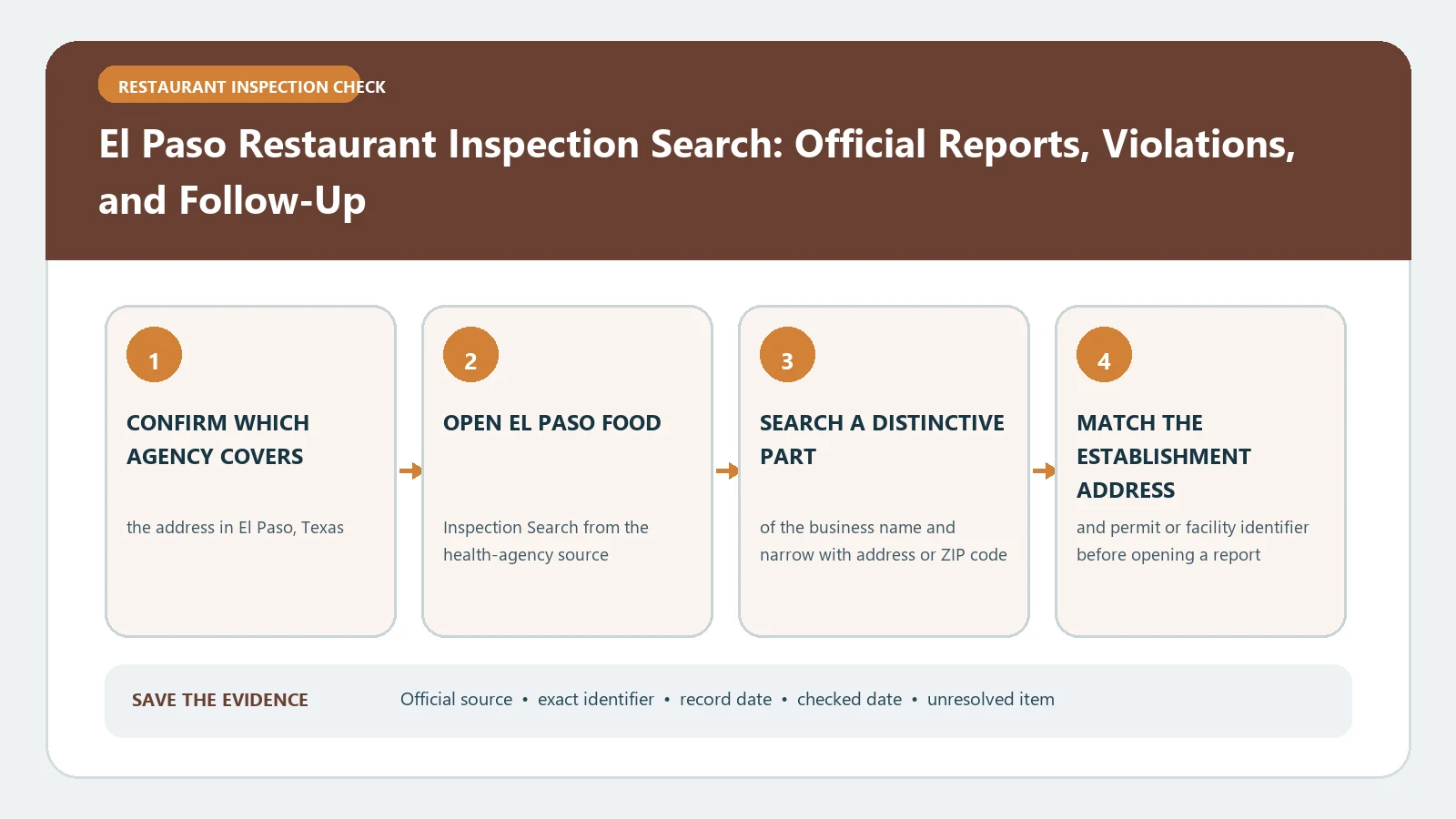
Use El Paso’s Food Establishment Scores portal to match the business and address, set a date range, and read the score beside the inspection date. The public result is a summary, not the full inspection report. When the details matter, follow the city’s open-records route instead of trying to infer violations from the score alone.
The City of El Paso Food Establishment Scores portal covers restaurants and other food operations inspected across El Paso, Anthony, Clint, Horizon City, Socorro, Vinton, and El Paso County. The city’s Food Inspection program page describes permitting, legal-compliance inspections, complaints, enforcement, closures, and permit action. Both official sources were reviewed August 26, 2026.
Search with the address and inspection window
The portal accepts Business Name, Address, City, ZIP, Date From, Date To, Minimum Score, and Maximum Score. It can also limit results to mobile establishments. Start with the street address and city because chain names, food counters, and mobile operations can produce several similar names.
Use a broad date range for the first search, then narrow it after confirming the correct facility. If the result list includes several operations at one address, keep the displayed name and permit identity for each. A grocery store can contain separately inspected departments, and one brand can have multiple locations.
Before opening a score, save a reproducible query card:
- Business or operator name used.
- Street address, city, and ZIP filters.
- Date From and Date To values.
- Mobile-establishment setting and retrieval date.
If a second search uses different criteria, create another card rather than overwriting the first. The two cards show whether a missing result came from the date window, municipality choice, address spelling, or mobile filter.
When the portal returns a long chain, export or transcribe only the matched premises and a reasonable inspection window. Preserve older rows needed to explain a later closure or follow-up, but do not mix another branch into the same chronology. A narrow, identity-bound history is easier to verify than a screenshot of an unfiltered results page.
Write the earliest and latest included dates on the evidence card so its coverage is explicit.
Make the summary row reproducible
For the selected result, save the business name, address, city, ZIP, inspection date, and score as displayed. Add the exact filters you used and the date you performed the lookup. A screenshot without the query settings is harder for another person to reproduce.
The El Paso portal states that 70 or above is passing and that lower scores can trigger closure action. It also warns that an individual violation presenting an imminent public-health threat can cause immediate closure regardless of the total score. Preserve the score and any displayed status separately; do not assume that a number by itself tells the whole enforcement outcome.
When terminology in a detailed report is unfamiliar, use the food-inspection violation guide while retaining El Paso’s own words in the evidence record.
Treat 69 and 60 as different warning points
The portal’s current disclaimer distinguishes scores below 70 from scores at 60 or below. It says a score of 69 or below initiates closure action and a score of 60 or below initiates closure, while an imminent-hazard violation can independently lead to immediate closure. Because the wording on the official page is controlling, quote or paraphrase it carefully and check the current portal before making a time-sensitive decision.
Do not publish a claim that a restaurant is open or closed today from an old score. Look for a later inspection, a reopening event, or direct agency confirmation. A score reflects one inspection and the online summary may not contain the complete sequence.
Move from a score to the full report
The city explicitly describes the score page as a summary and links to its Open Records Request System for a full individual inspection report. Request the report when you need cited violations, corrective actions, inspector comments, or documentation for a formal decision.
Include the exact establishment name, physical address, inspection date, and any result identifier in the request. State the date range narrowly enough to identify the visit. The city notes that fees can depend on request scope, so asking for every record for a large chain may be slower and more expensive than requesting one premises and inspection window.
Use the restaurant report-reading guide to organize the returned document into identity, visit, finding, correction, and follow-up fields.
Trace later action before reaching a conclusion
Sort the same establishment’s scores from oldest to newest. If a low score appears, find the next inspection and determine whether it belongs to the same permitted operation. Record the later date and score without saying it erases the earlier result.
The Food Inspection program can investigate complaints, obtain voluntary closures, recommend permit suspension or revocation, and initiate legal action. Those are possible agency actions, not automatic meanings of every score. Only a case-specific city record can support a claim that one of them occurred.
Repair a no-result search in small steps
If the full business name returns nothing, remove punctuation and corporate endings, search the address without a suite, and then try the ZIP code. Confirm the correct city because the portal covers several municipalities and the county. For a truck or cart, enable the mobile-establishment option and search by the operator name if the trading name fails.
A new business may not yet have a published score, and a changed operator can appear under a different identity. A blank result is not proof of no permit, no inspection, or compliance. Use the city’s program contact or open-records route when identity remains uncertain.
Close with an El Paso evidence card
Your final card should show the matched business and address, jurisdiction, search filters, inspection date, score, later inspection if located, source URLs, and retrieval date. State that the online item is a city summary and whether a full report was requested.
Do not turn the card into a safety certificate. It documents what El Paso published for a dated visit. For another jurisdiction, return to the city inspection directory rather than applying El Paso’s thresholds elsewhere.