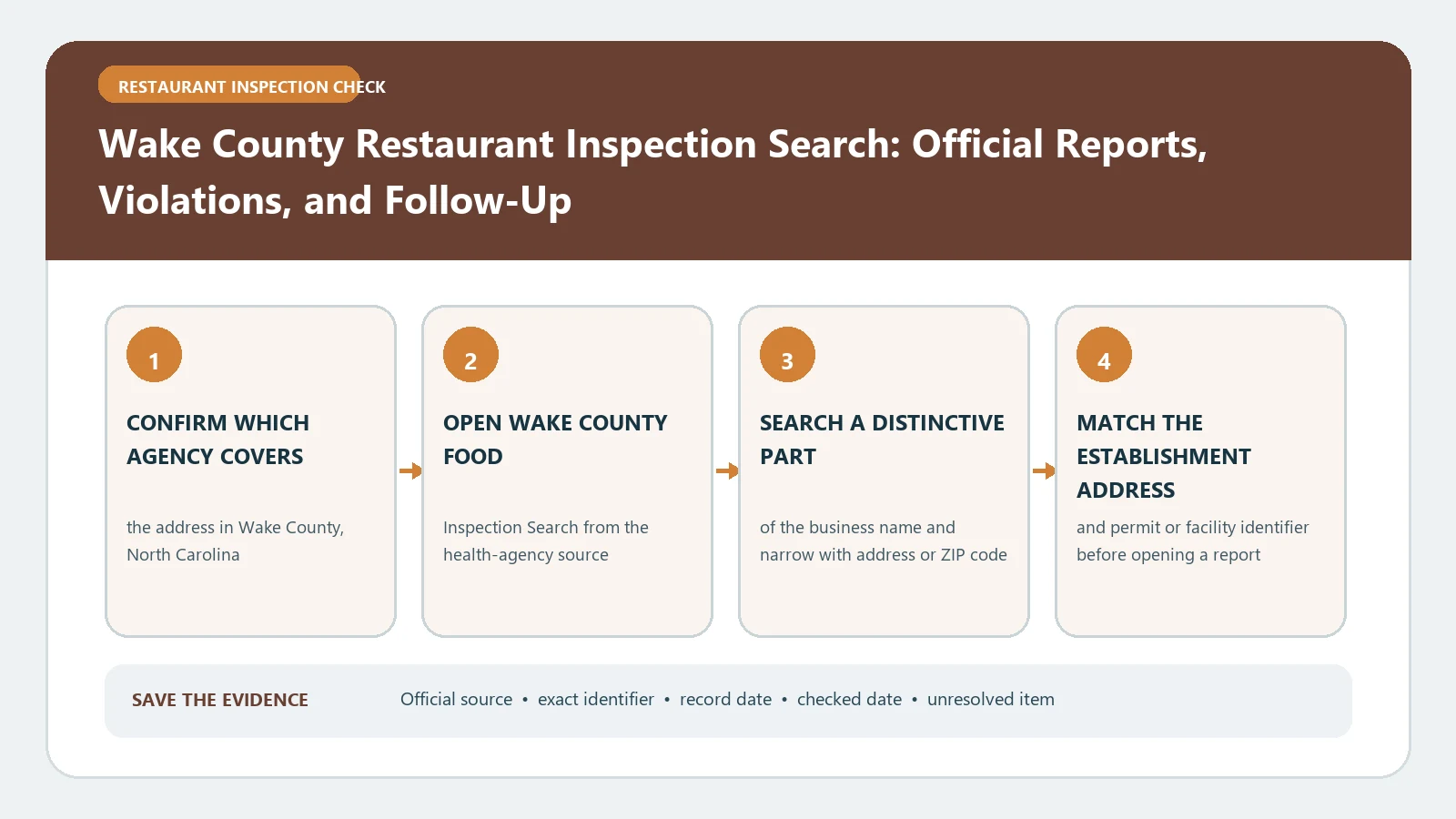
For a Wake County restaurant, use the county-branded public inspection table to search by name, address, city, ZIP code, State ID, establishment type, date, or grade. Match the premises and State ID before opening the report, then read the final score, grade, violation details, and inspection date together. The portal warns that grades do not apply to every establishment type, so an unavailable grade is not a failed score.
The Wake County public inspection table identifies Wake County Health Department and exposes the facility and inspection filters used for the lookup. Wake County’s official Food Inspections ArcGIS service provides county inspection fields such as the State identifier, score, date, and inspection type for data work. The North Carolina Division of Public Health Food Establishments Inspections portal provides statewide views of inspection activity, findings, scores, and establishment metrics by county. These sources were checked August 26, 2026.
Begin with the public table for one establishment
The inspection table is the reader-facing route for a single restaurant. Keep the county filter on Wake, choose restaurant or the appropriate establishment type, and start with a distinctive name or address. Add city or ZIP code when a chain or common name produces several candidates. Date and grade filters are better used after the facility identity is understood.
The result list displays inspection date, premises name, address, State ID, establishment type, final score, grade, inspector ID, and links to violation details and the inspection report. Save the result row before opening the detail so the facility identity remains visible.
State ID is the strongest bridge between records
Use the State ID to distinguish similar names, reused addresses, and locations in nearby Wake County municipalities. Verify the full address and establishment type as well. The ID should remain attached to every visit in your chronology.
Wake County’s data structure uses a state identifier to connect restaurant and inspection information. An ownership change can create a new permitted record even when the storefront name remains. If the State ID changes, keep two histories unless an official record explains the relationship.
Build a Wake identity header with the premises name, address, State ID, establishment type, selected county, and checked date. The address-search guide can resolve unit or alias differences before you join records.
Save these fields before comparing visits:
- premises name and complete address;
- State ID and establishment type;
- inspection date, final score, and grade when applicable;
- report and violation-detail links;
- county filter, exact query, and checked date.
Grade does not apply to every establishment type
The portal explicitly notes that grade is not used for all establishment types. Confirm that the record is a restaurant before interpreting the letter field. A child-care, school, lodging, push-cart, or other inspection can use a score or reporting structure that should not be compared with a restaurant grade.
For a restaurant, keep the final score and grade beside the inspection date and report. Do not rank a nonrestaurant “N/A” grade as lower than A, B, or C. The establishment-type field explains why the comparison may be invalid.
Open violation details before judging the total
The detail view can show violation items and markers such as CDI for corrected during inspection, R for a repeat violation, and VR for verification required. Record the marker beside the specific item. A final score cannot tell you which condition was corrected immediately, repeated from an earlier visit, or required later verification.
Use one row per inspection and one linked list of findings. Preserve the report URL, date, score, grade, and inspector ID. For each material violation, copy the code or description and any CDI, R, or VR notation. Then look for a later event with the same State ID rather than assuming the marker itself proves the final outcome.
The food inspection violations guide supplies a neutral worksheet while the Wake report controls every local field.
Use county open data for grouping, not as a substitute report
The Wake County ArcGIS service is useful when several visits must be grouped or compared. Its inspection layer exposes fields for the State identifier, final score, inspection date, and type. Keep those fields together when exporting rows. A map point or spreadsheet row is not the complete narrative report.
Use the public table to open the readable report and the county data service to support a reproducible history. Require State ID, date, and score to agree before joining a row to a report. If a field differs, retain both official values and check refresh dates or contact the county rather than manufacturing a blended result.
North Carolina’s statewide data portal can provide county-level context, but it includes a data-quality disclaimer and aggregate views. Do not use a statewide metric as the inspection result for one Wake County premises.
Repair a blank or mismatched result
Clear restrictive date or grade filters first. Search the State ID if known, then the address, shortened premises name, city, and ZIP code. Verify the establishment type. Check whether a new operator received a new ID or whether the restaurant is listed under a legal name.
If the public table and county dataset disagree, save both URLs, the exact query, State ID, dates, and access time. Ask Wake County Health Department about the named facility and visit. A blank result proves only that the selected filters returned no match; it does not prove the absence of every inspection or an archived record.
Assemble a Wake visit chain
Begin with the earliest inspection relevant to the decision and add later visits in order. Each row should contain State ID, visit date, inspection type, score, grade when applicable, key violations, CDI or repeat or verification markers, and the next published action. Keep a changed operator in a separate chain.
Use the restaurant reinspection follow-up check when one visit appears to answer an earlier verification requirement. Do not treat every later inspection as a direct reinspection unless the Wake record identifies the relationship.
End with a bounded Wake County finding
The conclusion should name the matched premises, address, State ID, establishment type, inspection date, final score, grade when applicable, and any later published event. Cite the public report for the finding and note whether county open data was used only to group the history.
Other North Carolina counties publish their own tables under the same state grade rule. Our Cumberland County inspection history guide shows how to tell a requested grade reinspection from a closure or permit event.
Next door, Durham County’s table mixes restaurants with child-care and other facilities in one grade search; the Durham County inspection score guide shows how to filter it.
For what a year of these records shows, see Wake County restaurant inspection scores by town: 98.8% of routine inspections scored an A, and the median was 97.
The record is a dated government observation, not a guarantee of current safety, a prediction of the next grade, or proof that no nonpublic action exists. Recheck the official table before a reservation, complaint, transaction, or public statement. If the address falls outside Wake County, return to the city inspection lookup hub.