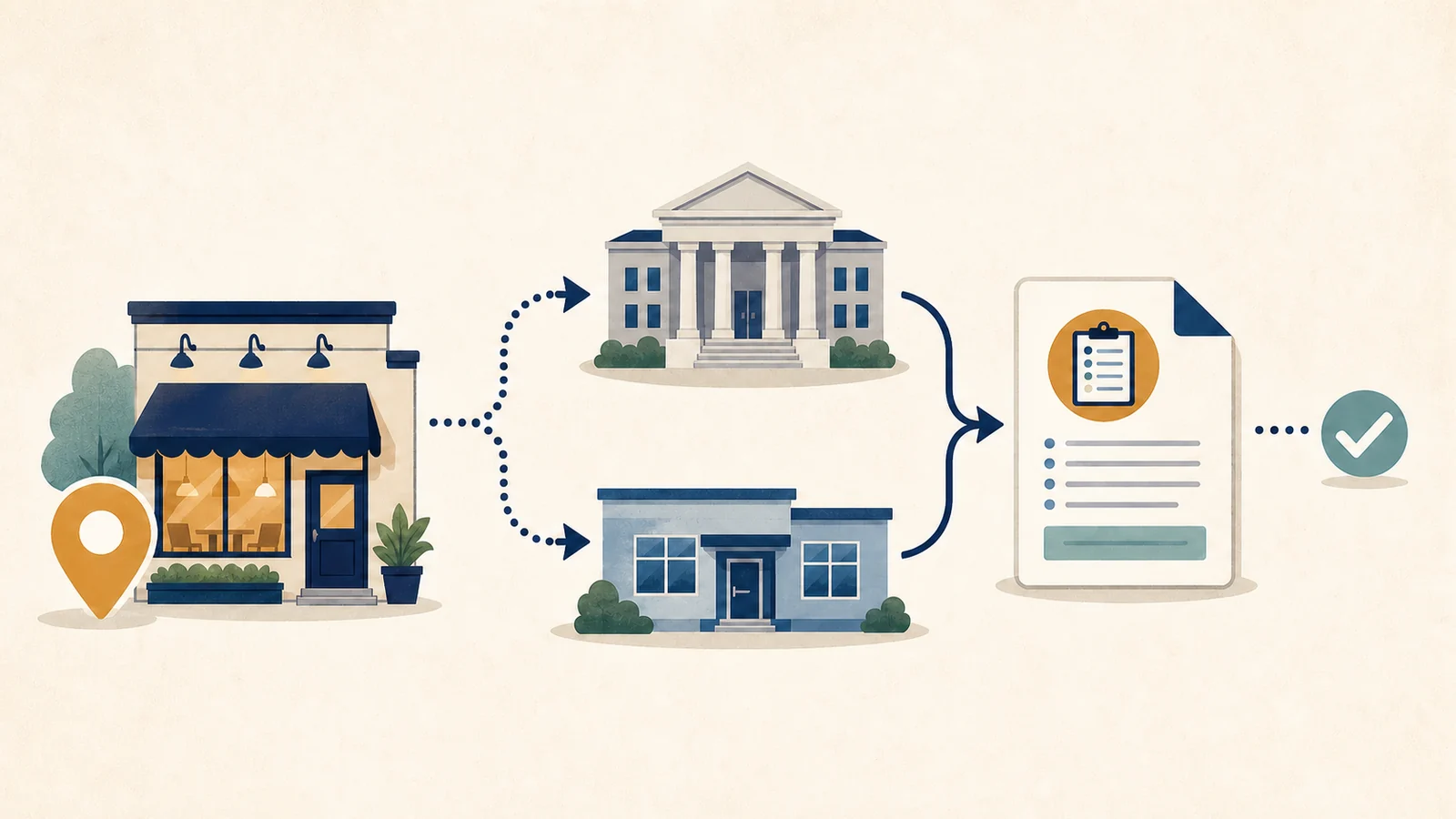
To find an Iowa restaurant inspection report, use the state’s current public inspection search, match the exact restaurant address, and then read the dated visit with any later follow-up. The address matters because Iowa divides restaurant oversight between the Department of Inspections, Appeals, and Licensing (DIAL) and contracted local health departments. A restaurant name by itself can lead to the wrong branch or operator.
The durable starting point is DIAL’s Food Establishments & Hotels page, which links to the live inspection-report service. Restaurant Inspection Check is an independent routing and interpretation guide; it does not run Iowa’s database, inspect restaurants, or certify that a business is safe.
Official Iowa sources checked July 28, 2026. DIAL has announced a system transition for fall 2026, so reopen the DIAL page before relying on an old bookmark.
Use Iowa’s public search before a general web result
The current Iowa Public Search for Inspection Reports lets the public search by a full or partial establishment name and narrow the results by jurisdiction, classification, street, city, county, ZIP code, inspection date range, or distance from an address. You usually do not need every field. Start with the restaurant name and city, then use the street address or county to separate branches.
Open a result by selecting the food facility’s name. The search page says the facility screen contains violations from the last inspection, inspector comments, and an explanation of why a violation matters. It also provides a “view inspection report” route for the full report. Keep the facility page and full report together because a short result row can omit the context needed to understand the visit.
- Begin with the storefront name and city. Use a distinctive word rather than a long stylized name if the first search fails.
- Add the street address. Compare the number, street name, city, and ZIP code with the branch you mean to check.
- Confirm the classification. “Restaurant/Caterer” is one option, while food trucks, hotels, groceries, and other operations can appear under different classes.
- Open the facility, not just the result list. Record the facility identity, inspection date, event type, findings, and later events.
- Save the official URL and access date. A portal result can change when a later inspection or system migration is posted.
If the name search produces many branches, the site’s restaurant inspection search by address guide explains how to narrow a record without choosing the nearest-looking name. Do not use a review-platform page or a photo of a certificate as a substitute for the government record.
The restaurant address determines who inspects it
DIAL’s current Food Inspection Jurisdictions page says DIAL directly licenses and inspects covered food and lodging businesses in 68 counties. It contracts with 10 local health departments to manage licensing and inspection in the other 31 counties. The page lists each contracted department and the counties or city it serves.
That split does not mean Iowa has two unrelated standards for a casual name search. It means the reader must match the restaurant’s location to the agency responsible for the record. A city can be a special case: the City of Dubuque is served by its city health department, while DIAL serves the rest of Dubuque County. Other contracted departments cover one county or several counties. Always read the current jurisdiction list rather than guessing from the postal address.
| What you know | Best next move | Why it matters |
|---|---|---|
| Exact street address | Check the DIAL jurisdiction list | Confirms whether DIAL or a contracted local department covers the location |
| Only a restaurant name | Search the current public portal by name and city | Separates same-name businesses and chain branches |
| A county but no result | Select the county and try the responsible jurisdiction | A no-match can be a routing problem rather than proof of no inspection |
| A food truck or hotel | Choose the matching facility classification and verify its licensed identity | The public-facing name or service location may differ from the licensed record |
The broader restaurant inspection check by city guide can help when you are unfamiliar with city, county, and state inspection boundaries. For Iowa, however, the DIAL jurisdiction page is the controlling route.
Match the licensed establishment, not only the sign name
An inspection report belongs to a licensed establishment at a particular location. A chain can have several Iowa branches, and a restaurant can continue trading at an address after an ownership or name change. Hotels, markets, shared facilities, and mobile operations may also use a legal or permit name that is not prominent on the storefront.
Before reading any violation, compare the full address and the facility details shown by the portal. Keep the jurisdiction and classification visible. If two records share a similar name, use the street number, ZIP code, facility identifier, and inspection dates to decide which history belongs to the branch you intended to check.
| Field to match | Useful comparison | Common false match |
|---|---|---|
| Establishment name | Storefront name, legal name, former name, and spelling | Another branch or the prior operator at the address |
| Street address | Number, street, unit, city, county, and ZIP | A nearby location, mall unit, or hotel outlet |
| Jurisdiction | DIAL or the named contracted health department | A restaurant outside that agency’s boundary |
| Classification | Restaurant/caterer, mobile unit, hotel, grocery, or other class | A separate licensed operation with a similar name |
| Inspection date | The dated visit plus all later events | An old report treated as the current history |
A close name is not enough. If the branch address does not match, go back to the result list and search the address directly. If the business recently changed owners, search both the current and former name and note where one record ends and another begins.
Read the visit type, findings, and later follow-up
Iowa’s public search describes inspections as a snapshot of the day and time of the visit. It notes that violations can be recorded and often corrected while the inspector is still at the facility. It also says inspection frequency varies with factors such as the food handled, preparation methods, and compliance history. Visits can occur before opening, after a complaint, or as a follow-up to earlier findings.
This is why the newest line on a result page should not be read in isolation. Identify whether it is a routine inspection, complaint visit, preopening inspection, or follow-up. Open the findings, note what the inspector observed, and then look for later entries that show correction, continuing issues, or another visit. The reinspection and follow-up guide explains how to keep those events in chronological order.
The Iowa search page groups report items into Foodborne Illness Risk Factors and Good Retail Practices. It says risk-factor violations should be corrected immediately when possible and, in all circumstances, within 10 days; Good Retail Practices items generally must be corrected within 90 days. Those are category explanations, not a substitute for the actual due date, correction note, or follow-up shown in the facility’s report.
- Record the inspection date and visit type before summarizing a result.
- Read the cited item and the inspector’s comments instead of relying on a headline or search snippet.
- Note whether an item was corrected during the visit and whether another deadline appears.
- Open every later follow-up, reinspection, closure, reopening, or routine visit linked to the same facility.
- Describe the record with the inspection date shown in the official report; a dated description is safer than a timeless claim about the restaurant.
For help separating a finding from its consequence, use the restaurant inspection violations guide. The inspection date guide explains why the visit date, publication date, and later event date should not be collapsed into one “current” label.
If the restaurant is missing from the search
No result does not prove that a restaurant has never been inspected, is unlicensed, or falls outside food-safety oversight. The search may use a legal operator, former business name, abbreviated name, different classification, or a separate facility record. The address may fall under a contracted local department, and a newly opened or recently changed business may not appear under the name you expect.
- Remove punctuation and search one distinctive word from the restaurant name.
- Search the exact street number and street name, then add the city or county.
- Try the former name, legal operator, hotel or market name, or facility identifier if you have one.
- Recheck the current jurisdiction page and select the listed agency.
- Use DIAL’s contact route or the named local department if the record remains unresolved; describe the outcome as “no matching public record found under these searches,” not as proof that no inspection exists.
A missing online result is also not the right way to report illness or an immediate hazard. DIAL’s Food Establishments & Hotels page provides separate complaint and food-poisoning routes. A database search retrieves published records; it does not submit a complaint or request an emergency inspection.
Iowa is preparing to move inspection records to SAFHER
DIAL has announced that the existing USA Food Safety system will move to a new system called SAFHER. The main food-establishments page currently says October 2026, while the SAFHER transition FAQ describes a fall 2026 launch and says a specific date will be announced closer to the transition. As of July 28, 2026, the FAQ says SAFHER is still being tested and is not yet available for use.
SAFHER is intended to become the online licensing system and the public food-inspection report and complaint database for the covered programs. The FAQ says the old USA Food Safety system will no longer be available for Food & Hotel Establishments after the move. That makes an old portal bookmark fragile even if it works today.
For a durable route, save the DIAL Food Establishments & Hotels page as well as the current search link. When the transition occurs, follow DIAL’s new public-report link, then repeat the facility and address match. Do not assume an empty result during migration means the inspection history disappeared, and do not claim that the move has happened until DIAL confirms the live launch.
What the record can and cannot tell you
An Iowa inspection report can document what an inspector recorded at a named facility during a dated visit, the categories assigned to findings, comments in the report, and later events published for that facility. It can help you distinguish a corrected item from an unresolved sequence and show whether you are reading the right restaurant branch.
It cannot guarantee the restaurant’s condition today, prove that illness did or did not come from that restaurant, replace a complaint investigation, or compare the business fairly with a restaurant in another jurisdiction using a different method. A clean name search is not a certification, and one older violation should not be presented as a permanent condition.
| Avoid saying | Use a bounded description |
|---|---|
| This restaurant is safe. | State the exact result shown in the official Iowa record and include the displayed inspection date. |
| The restaurant failed. | State the exact finding in the dated report, then name any later correction or follow-up visit shown. |
| It has no inspection record. | No matching public record was found under the name, address, and jurisdiction searches used on the recorded search date. |
| This score is better than another state’s. | The records use different jurisdiction methods and were not directly compared. |
Questions Iowa diners still ask
Can I search Iowa restaurant inspections by address?
Yes. The current public search includes street, city, county, and ZIP fields in addition to the establishment name. Start with the name and city, then use the street address to confirm the branch.
Why does the jurisdiction list matter if there is one public search?
The jurisdiction tells you which agency is responsible for licensing and inspection at that address. It also gives you the correct fallback contact when a record is missing or the business sits near a city or county boundary.
Does “corrected on site” erase the violation?
No. It means the report recorded a correction during that visit. Keep the original finding, correction note, and any required follow-up together rather than deleting the event from the history.
Should I keep using the USA Food Safety bookmark after SAFHER launches?
Use the live link supplied by DIAL. The transition FAQ says the old system will stop serving Food & Hotel Establishments after the move, so begin from the DIAL overview if an old bookmark fails.
The reliable sequence is: confirm the address, identify the responsible jurisdiction, match the licensed facility, open the dated report, read every later follow-up, and describe only what that official record supports.