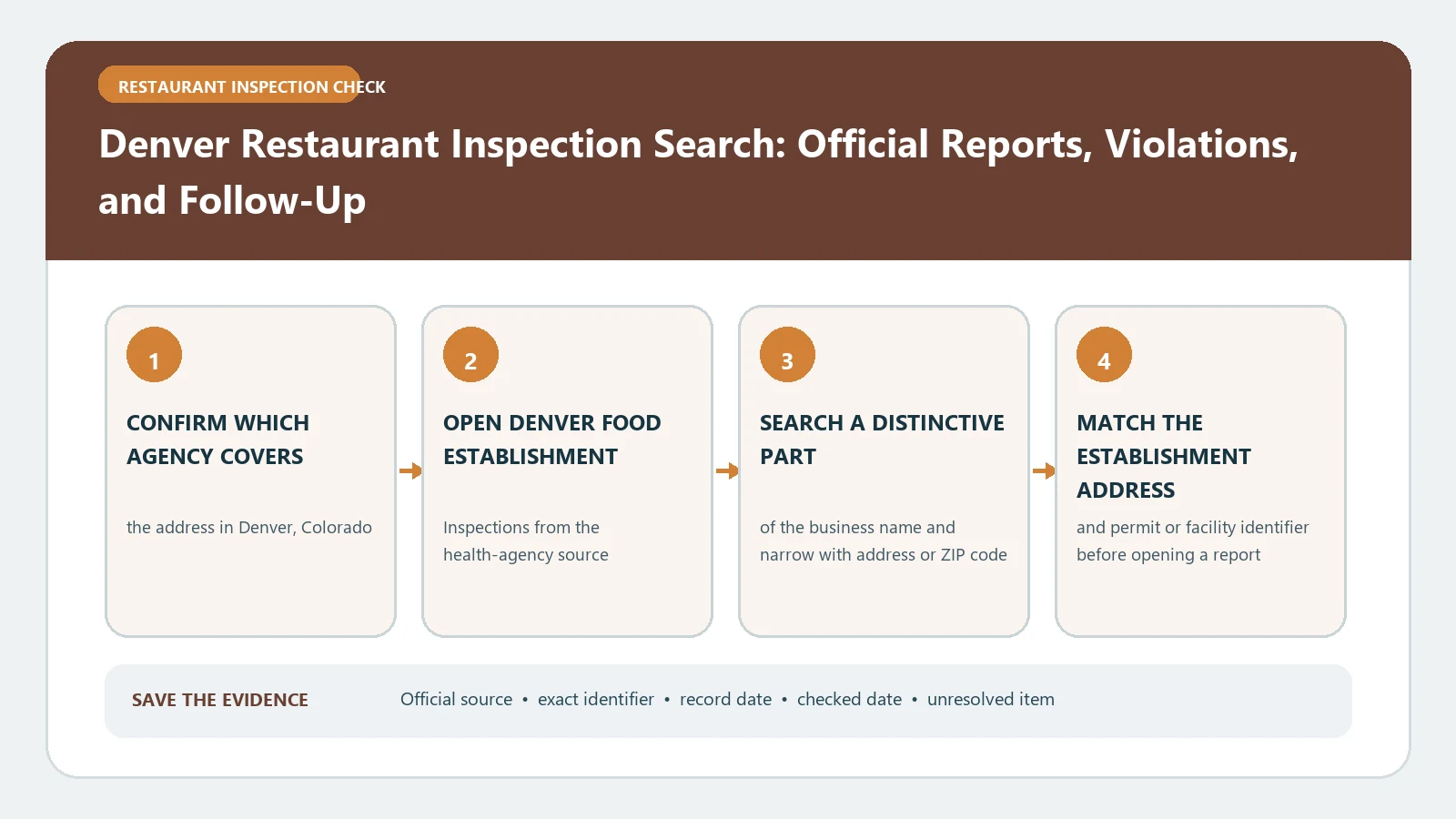
Denver restaurant inspection reports are split by date. Use the legacy Denver search for inspections through September 5, 2024 and the Business Licenses area of Accela Citizen Access for inspections from September 6, 2024 onward. Search the same restaurant name and address in both systems when you need a history that crosses the changeover.
Checked August 26, 2026 against the current routes published by City and County of Denver, Department of Public Health & Environment, City and County of Denver, City and County of Denver Accela Citizen Access.
Choose the portal from the visit date
| Period | Search route | Best starting input |
|---|---|---|
| June 1, 2000 through September 5, 2024 | Denver's legacy inspection search | Restaurant name or address |
| September 6, 2024 to present | Accela Business Licenses | Business/license record, establishment name, or address |
| History spans the cutoff | Run both searches | One normalized name/address worksheet |
The Denver Food Safety page maintains both links and states the cutoff. That page should be your routing checkpoint if a saved portal URL changes.
Make one identity card before joining two systems
- Current restaurant name and any former name visible in older records
- Full street address, unit, ZIP code, and nearby intersection when the address is ambiguous
- License or facility identifier shown in either portal
- Inspection date, inspection type, and source system for every row you save
A search migration can change field names without changing the physical facility. Join records only when the address and other identifiers support the match. Do not merge two similarly named restaurants because their names look related.
Read the legacy report in its own vocabulary
The older Denver tool explains that a Regular or Full inspection is an unannounced full visit, while a Limited inspection may follow up on noncompliant items or investigate a complaint. It also describes Type 1 violations as more directly associated with foodborne-illness risk and Type 2 violations as maintenance or sanitation conditions that can still matter if left uncorrected. Use those labels only for reports that actually display them.
| Legacy field | Question it answers | Boundary |
|---|---|---|
| Inspection type | Was this a full visit or a narrower follow-up/complaint visit? | A limited visit should not be treated as a complete reinspection of every area |
| Type 1 item | What higher-risk condition was documented? | The label does not prove illness occurred |
| Type 2 item | What sanitation, maintenance, or operational issue was noted? | A lower category is not permission to ignore recurrence |
| Correction/reinspection | What later official action is recorded? | An operator statement alone is not a completed agency follow-up |
Keep post-migration fields inside the Accela record
For a newer visit, transcribe the inspection type, date, result, individual observations, and any follow-up directly from Accela. Do not force a newer term into the legacy Type 1/Type 2 boxes unless Denver’s current record makes that equivalence explicit. System migrations often preserve the event while changing the display and coding structure.
- Open the current Business Licenses route and locate the exact premises.
- Copy the license or record number before opening inspection detail.
- List every inspection event after September 5, 2024 in date order.
- Attach the finding and later disposition to the same event identifier.
- Add the legacy sequence only after the premises match is confirmed.
Build a cross-platform timeline without inventing a score
| Date | System | Visit type | Observed item | Later evidence |
|---|---|---|---|---|
| Before 9/6/2024 | Legacy search | Use report wording | Quote or summarize the actual finding | Correction or later legacy visit |
| On/after 9/6/2024 | Accela | Use current record wording | Keep the current code/description | Follow-up, closure, or other disposition shown |
Denver says each report is a snapshot and notes that violations may be corrected onsite or lead to reinspection. The timeline therefore matters more than a home-made total that mixes different systems and visit types.
When one portal has no match
Check the cutoff, shorten the business name, search the address, and verify the record is inside the City and County of Denver. If the expected visit is still missing, keep the failed inputs and contact Public Health Investigations through the Food Safety page rather than substituting a third-party grade.
For the current field layout, continue with Denver Restaurant Inspection Result Fields. To follow an unresolved item across later events, use the Denver reinspection and enforcement timeline guide.
Reconcile labels without pretending the two systems are identical
A cross-cutoff review should preserve each portal’s vocabulary. Create a neutral comparison layer—date, premises, visit purpose, observation, immediate correction, and later event—then place the legacy and Accela wording underneath it. This lets you follow the real-world sequence without asserting that a legacy Type 1 code equals a current field that Denver has not formally mapped. If the two systems display different facility identifiers, record both and note the address evidence used to join them.
| Neutral field | Legacy entry | Current Accela entry |
|---|---|---|
| Premises key | Name, address, legacy identifier | Name, address, license or record number |
| Visit purpose | Regular/Full, Limited, or report wording | Inspection type displayed in Accela |
| Finding | Type and observation as written | Current code and description as written |
| Outcome trail | Onsite correction or later legacy visit | Follow-up or other current event |
Archive a cross-cutoff result as two source packets
Save the legacy result and the Accela result as separate source packets, each with the retrieval date and search inputs. Then create a short bridge note that says only why you believe both packets refer to the same premises. This prevents a future portal redesign from erasing the provenance of a combined timeline and makes it easy to correct the join if a suite, operator, or license number later proves different.